
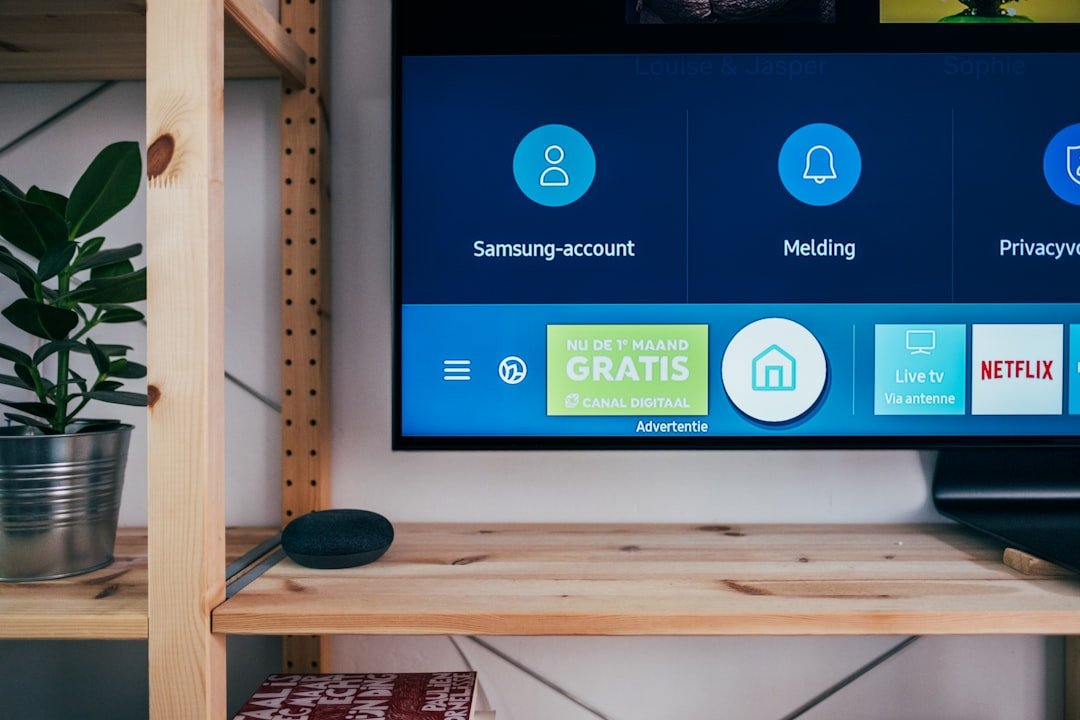
Install WatchMaxTV on Samsung Smart TV
7 minutes via the Samsung Smart Hub. 2018+ Tizen models.
Samsung Smart TVs running Tizen OS 2018 or newer have their own app store. Installation takes about 7 minutes and uses the IPTV Smarters app.
Time needed: 7 minutes · Compatibility: 2018 and newer Tizen models · Subscription: WatchMaxTV (24-hour free trial).
Step-by-step installation
Step 1. Open the Samsung Smart Hub
Press the Smart Hub button on your remote and navigate to Apps.
Step 2. Search for the player
Search for IPTV Smarters or Smart IPTV. Install the one we recommend on WhatsApp based on your TV year.
Step 3. Note your MAC address
Some players require you to submit your TV MAC address once. Find it in Settings → General → Network → Network Status.
Step 4. Load your playlist online (if required)
Using a web browser, visit the uploader URL we send and paste your server URL. This one-time step links your account to your TV.
Step 5. Open the app on your TV
Return to the TV, open the player, and it will automatically sync with the playlist you uploaded.
Step 6. Start watching
Pin the app to the home row for quick access. Reload if the EPG has not populated after two minutes.
Troubleshooting the five most common issues
Nothing loads after entering credentials
Double-check the server URL has no trailing slash and that the username is copied without leading spaces. WhatsApp us if it still fails; we can reset the credentials in under a minute.
Buffering or stuttering
Run a speed test on the same device. 15 Mbps is the minimum for HD; 25+ Mbps for 4K. Restart your router. Wired Ethernet beats Wi-Fi every time.
EPG shows blank
The guide can take up to two minutes to download on first launch. If still blank, close the app fully and reopen.
Black screen on some channels
Some channels are geo-restricted by the upstream source. Try another channel in the same category — if most work, it is the stream, not your setup.
App crashes on launch
Clear the app cache (Settings → Apps). If that fails, reinstall the APK / app and re-enter credentials.
What the service includes
- 21,000+ live channels across sports, news, entertainment, kids, movies, documentaries, music and international categories
- 97,000+ on-demand movies and series refreshed weekly
- HD / 4K / HEVC playback where your device and connection support it
- 7-day electronic program guide
- Up to 2 simultaneous connections
- Bilingual support over WhatsApp, email or web form
Try other devices
Fire Stick · Android TV · Apple TV
Stuck? We can set it up with you in 10 minutes.
WatchMaxTV is a technology platform. All third-party trademarks, channel names, and program titles referenced on this site are the property of their respective owners. Users are responsible for complying with all applicable laws in their jurisdiction.