
Devices
Watch on every device in your home
Nine tested setup guides written and maintained by our Canadian team.
Nine tested setup guides written and maintained by our Canadian team. Pick your device below.
Fire Stick
The Fire Stick is the most popular device for new WatchMaxTV subscribers in Canada. This guide covers the Fire Stick 4K, 4K Max and Fire Stick Lite ru… Read guide →
Android TV
Android TV devices (Nvidia Shield, Chromecast with Google TV, Mi Box, Onn and most Android TV-branded smart TVs) offer the most flexibility for IPTV p… Read guide →
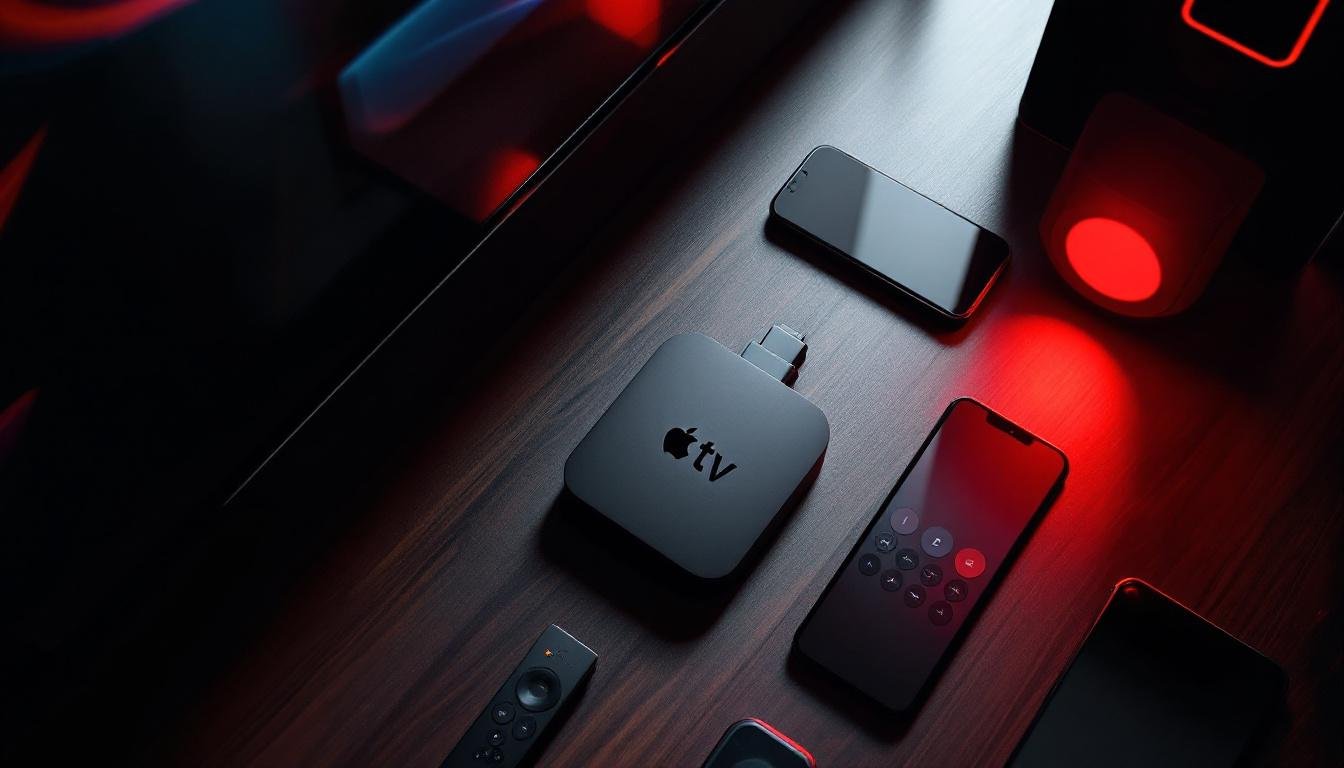
Apple TV
Apple TV 4K (2nd generation and newer) with tvOS 15 or later supports several App Store-based IPTV players. This guide uses Smarters Player Lite, a fr… Read guide →
Samsung Smart TV
Samsung Smart TVs running Tizen OS 2018 or newer have their own app store. Installation takes about 7 minutes and uses the IPTV Smarters app.… Read guide →
LG Smart TV
LG Smart TVs with WebOS 2018 or newer follow a flow similar to Samsung. Installation takes about 7 minutes via the LG Content Store.… Read guide →
iPhone / iPad
On iPhone and iPad running iOS 14 or newer, you install an App Store player and paste your credentials. The whole setup takes five minutes.… Read guide →
Android Phone / Tablet
Android phones and tablets (Android 8 and newer) install either from Google Play or via a direct APK — we pick the fastest path depending on you… Read guide →
PC / Mac
On Windows and macOS, the simplest path is VLC for users who only want a single stream, or IPTV Smarters for Desktop for users who want a full player … Read guide →
MAG Box
MAG 324, 420 and 520 set-top boxes are purpose-built for IPTV, so configuration is just about setting a portal URL.… Read guide →
Minimum requirements
- Stable internet: 15 Mbps for HD, 25+ Mbps for 4K
- A compatible device from the list above
- Your WatchMaxTV credentials (sent after free trial or first payment)
- Five to ten minutes
Device not listed? WhatsApp us and we will confirm compatibility.
WatchMaxTV is a technology platform. All third-party trademarks, channel names, and program titles referenced on this site are the property of their respective owners. Users are responsible for complying with all applicable laws in their jurisdiction.